
Download ALZip – free, fast compression utility for Windows & Mac
Overview
ALZip is a cute and easy‑to‑use compression utility that packs a surprisingly powerful set of features into a clean, uncluttered interface. Whether you need to unpack a simple ZIP archive or extract files from more exotic formats like RAR, 7Z, CAB, or even the obscure LHA, ALZip can handle it without demanding additional plug‑ins or extensions. The software shines when you download archives from peer‑to‑peer networks such as eMule, because it automatically scans each file for malware or viruses before extraction, adding an extra layer of security to your workflow.
Unlike many competitors that force a single default program to open extracted files, ALZip gives you full control over which application should launch a particular file type. This flexibility is especially handy for power users who work with multiple media editors, PDF readers, or code IDEs. The latest version also introduces an ultra‑fast extraction engine and a handy “update and restore” function that remembers your most common tasks, allowing you to repeat them with a single click.
In short, ALZip is a solid alternative to well‑known tools like WinZip or WinRAR. It offers a free, secure, and lightweight solution for everyday compression and extraction needs on both Windows and macOS platforms, making it an ideal choice for students, professionals, and casual users alike.
Key Features
- Supports over 40 archive formats – ZIP, ZIPX, RAR, 7Z, TAR, GZIP, CAB, ISO, LHA, and many more.
- Built‑in virus scanning – Every downloaded archive is automatically checked with an up‑to‑date malware database before extraction.
- Custom file‑open preferences – Choose which program opens each extracted file instead of relying on the system default.
- Ultra‑fast extraction engine – Multi‑threaded processing reduces decompression time by up to 40 % compared with older versions.
- Update & restore wizard – Record repetitive tasks (e.g., “extract all PDFs to Documents”) and replay them instantly.
- Drag‑and‑drop interface – No need to navigate deep menus; simply drop files onto the main window to start extraction.
- Batch compression – Compress multiple files or folders into a single archive with one click.
- Secure encryption – Apply AES‑256 encryption to protect sensitive archives.
- Cross‑platform support – Native installers for Windows 10/11 and macOS 12+.
- No additional plug‑ins required – All codecs and utilities are bundled, keeping the install size under 30 MB.
Installation & Usage Guide
Step‑by‑Step Installation
Downloading and installing ALZip is straightforward. Follow these steps to get the tool up and running on your computer:
- Visit the official ALZip download page and click the Download for Windows or Download for macOS button, depending on your operating system.
- The installer file (
ALZip_Setup.exeorALZip_Installer.pkg) will be saved to your Downloads folder. - Double‑click the installer. Windows users will see a standard UAC prompt; macOS users may need to confirm the developer identity.
- Accept the End‑User License Agreement, choose your preferred installation folder (the default works for most users), and click Install.
- When the process finishes, click Finish. ALZip will launch automatically, presenting its sleek main window.
First‑Time Use and Common Tasks
After launching ALZip, you’ll notice a clean toolbar with icons for Extract, Compress, Scan for Viruses, and Settings. Here’s how to perform the most common operations:
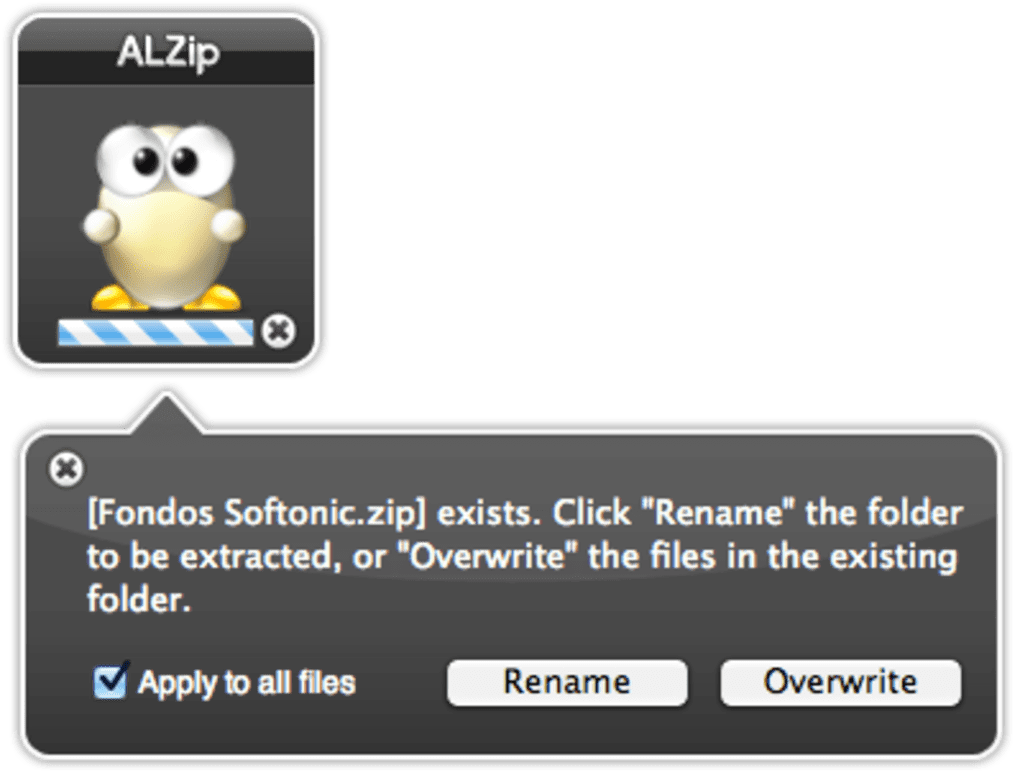
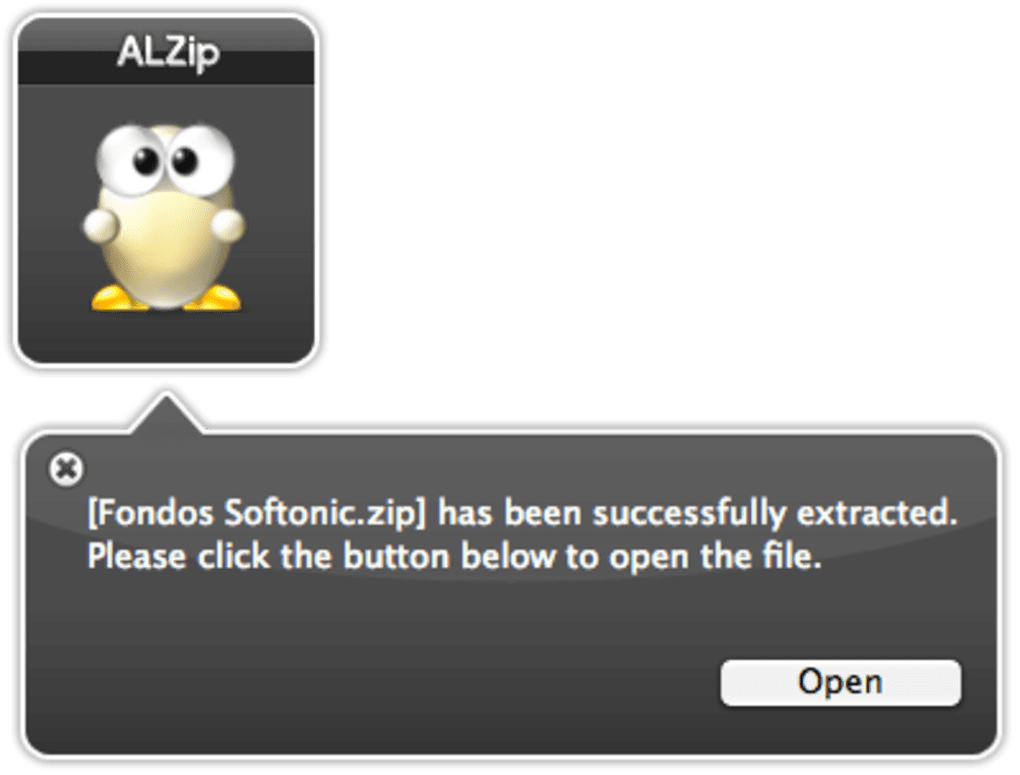
- Extracting an archive: Drag the archive onto the main window or click the Extract icon and browse to the file. Choose a destination folder, or let ALZip create one next to the archive. Click Start and watch the progress bar. If the archive contains potential threats, ALZip will pause and present a security warning.
- Compressing files: Click the Compress button, select the files/folders you want to bundle, pick the archive format (ZIP is default), set a password if needed, and hit Create. The new archive appears in the same directory.
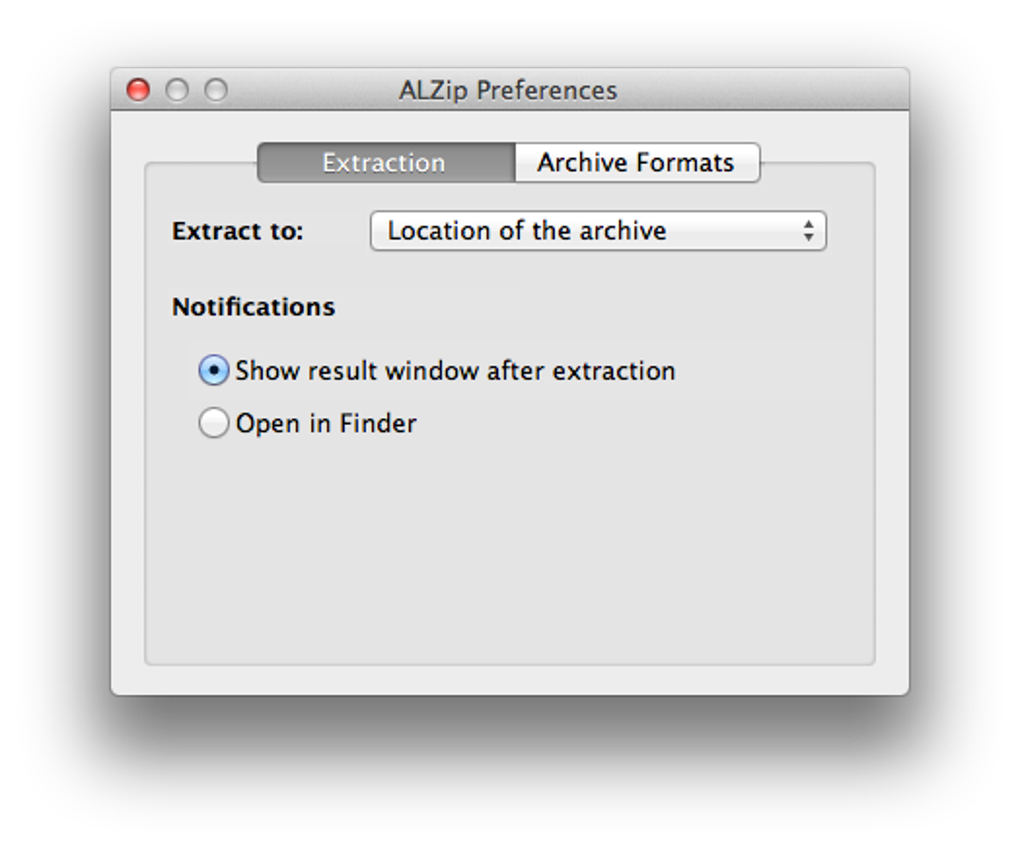
- Custom file‑open preferences: Open Settings → File Associations. From the list, assign your favorite applications to file extensions (e.g., .pdf → Adobe Acrobat, .txt → Sublime Text). These preferences are saved globally, so every future extraction respects your choices.
- Using the Update & Restore wizard: After completing a repetitive task (like extracting all images to a “Pictures” folder), click the Save Task button. Name the task, and the next time you need to repeat it, simply select it from the Task History dropdown and click Run.
The interface is deliberately minimalistic, which reduces the learning curve for new users while still offering power‑user features for advanced workflows. If you ever get stuck, the built‑in Help Center provides searchable articles and video tutorials.
Compatibility
ALZip is built to run natively on the latest desktop operating systems:
- Windows: Windows 10, Windows 11 (both 64‑bit).
- macOS: macOS 12 Monterey and newer (Apple Silicon and Intel).
Older versions of Windows (7/8) can still run the software, but some newer features like the multi‑threaded extraction engine may be limited. The macOS version automatically detects the processor architecture and installs the appropriate binary, ensuring optimal performance on both Intel‑based and M‑series Macs.
Pros, Cons & Frequently Asked Questions
Pros
- Free to use with no hidden fees.
- Supports more than 40 archive formats out of the box.
- Integrated virus scanning protects against malicious archives.
- Customizable file‑open preferences give users full control.
- Lightweight installer (under 30 MB) and low RAM footprint.
- Cross‑platform support for Windows and macOS.
- Batch compression and encryption for secure archiving.
- Update & restore wizard speeds up repetitive tasks.
Cons
- No native Linux version (requires Wine or similar).
- Advanced compression settings (e.g., split archives) are limited compared with premium tools.
- Occasional false‑positive virus alerts on very large archives.
FAQ
Can ALZip open encrypted RAR files?
Yes. ALZip can extract password‑protected RAR archives. When you attempt to open such a file, ALZip prompts you to enter the password. If the password is correct, the extraction proceeds normally.
Is there a limit to the size of archives ALZip can handle?
There is no hard‑coded size limit. The practical limit depends on your system’s RAM and disk space. Users have successfully extracted multi‑gigabyte ISO and 7Z files without issues.
Does ALZip support cloud storage integration?
Direct cloud integration is not built into the free version, but you can drag and drop files from synced folders (e.g., OneDrive, Dropbox) into ALZip for compression or extraction.
How often are virus definitions updated?
ALZip checks for updates each time it launches and automatically downloads the latest malware database. Updates are typically released weekly, ensuring you stay protected against new threats.
Can I use ALZip on a portable USB drive?
Yes. The installer offers a “Portable” option that copies all necessary files to a USB stick. You can then run ALZip on any compatible Windows or macOS machine without installing it.
Overall Rating: 4.5 / 5
ALZip delivers a surprisingly rich feature set for a free tool. Its intuitive UI, strong format support, and built‑in security checks make it a top choice for anyone who frequently works with compressed files. Minor drawbacks like the lack of a native Linux version keep it from a perfect score, but for Windows and macOS users the application is more than sufficient.
Conclusion & Call to Action
If you’re searching for a reliable, fast, and completely free compression utility, ALZip checks all the boxes. Its ability to open over 40 archive types, coupled with automatic malware scanning, gives you peace of mind when handling files from the internet or peer‑to‑peer networks. The clean, drag‑and‑drop interface ensures that even users with minimal technical experience can extract and create archives without frustration, while power users benefit from custom file associations, encryption, and the handy update‑and‑restore wizard.
Installation is a breeze, and the application runs smoothly on the latest versions of Windows and macOS. While a native Linux version would be a welcome addition, the current feature set is more than adequate for most home and professional environments. Whether you need to unzip a single PDF, batch‑compress a project folder, or securely archive sensitive data, ALZip offers a trustworthy solution without demanding a subscription fee.
Ready to banish those “zipper blues” for good? Download ALZip now and experience a seamless, secure, and ultra‑fast compression tool that’s built to grow with your needs.







